
Every email starts with a name.
A client.
A friend.
A lead.
But when contacts stay messy, emails slow you down.
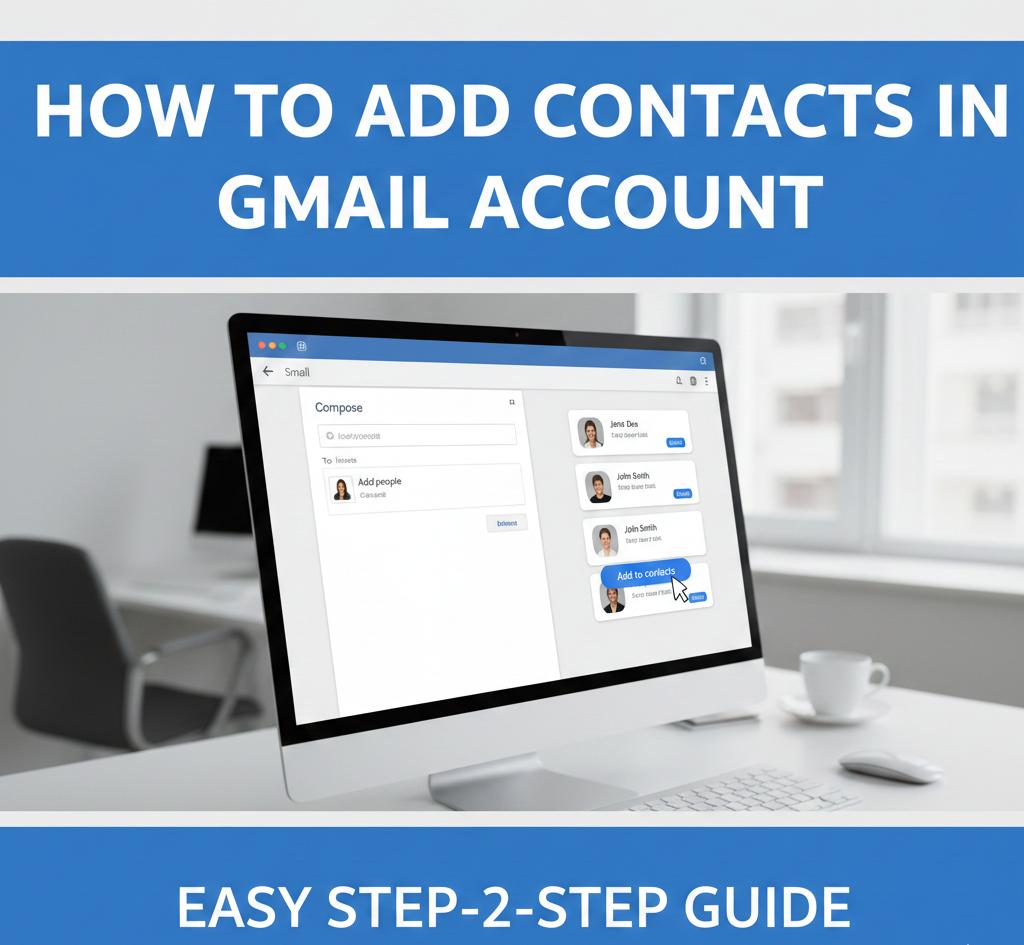
That is why learning how to add contacts in a Gmail account matters more than most people think. Gmail contacts power your email, calendar, phone sync, and even your marketing tools.
In this guide, you will learn simple ways to add, manage, and organize Gmail contacts. You will also see how contact management connects with social media marketing, business growth, and digital trust.
Why Gmail Contacts Matter More Than Ever
Email still rules.
Deals close through email.
Leads follow up through email.
Teams talk through email.
A clean contact list saves time and builds trust.
What Is Social Media Marketing and Why Contacts Matter
Let us start clear.
What is social media marketing?
It is how businesses build relationships online through platforms, people, and data.
Contacts connect email with social platforms. When contacts stay organized, marketing becomes personal and powerful.
What Are Gmail Contacts
Gmail Contacts store:
Names
Email addresses
Phone numbers
Notes
They sync across:
Gmail
Google Calendar
Android phones
One update reflects everywhere.
How to Add Contacts in Gmail Account Manually
This is the easiest method.
Step One: Open Google Contacts
Sign in to your Gmail account.
Click the Google Apps menu.
Open Contacts.
Step Two: Create a New Contact
Click Create Contact.
Choose Create a Contact.
Enter:
Name
Email
Phone number
Click Save.
That contact now appears in Gmail.
How to Add Contacts While Sending Email
Gmail helps automatically.
When you email someone new:
Hover over the sender name.
Click Add to Contacts.
Fast.
Simple.
Clean.
How to Import Contacts into Gmail
Many users switch platforms.
Gmail supports imports.
Import Steps
Open Google Contacts.
Click Import.
Upload CSV or vCard file.
Contacts appear instantly.
This saves hours.
How Businesses Use Social Media for Marketing With Contacts
Contacts drive campaigns.
Here is how businesses use social media for marketing with contact data:
Email follow ups
Custom audiences
Lead nurturing
CRM syncing
Contacts fuel growth.
How to Add Multiple Contacts at Once
Bulk saves time.
Use a spreadsheet:
Name column
Email column
Phone column
Save as CSV.
Import into Google Contacts.
Done.
How to Organize Contacts Using Labels
Labels keep order.
Create labels like:
Clients
Leads
Vendors
Team
Apply labels to contacts.
This helps campaigns later.
Why Is Social Media Marketing Important for Contact Growth
People move between platforms.
A contact today may become:
A client tomorrow
A follower later
A brand fan next
That is why is social media marketing important. It connects conversations across channels.
How to Edit Existing Gmail Contacts
Contacts change.
To edit:
Open Google Contacts
Click the contact
Choose Edit
Update details.
Click Save.
Accuracy builds trust.
How to Delete or Merge Contacts
Duplicates confuse systems.
To clean:
Select multiple contacts
Click Merge
To delete:
Select contact
Click Delete
Clean lists work better.
Simple Contact Management Chart
Task | Time Saved | Benefit
Manual add | Low | Accuracy
Import | High | Speed
Labels | Medium | Organization
Merge | Medium | Clean data
How Effective Is Social Media Marketing With Clean Contacts
Clean data improves results.
Here is how effective is social media marketing when contacts stay organized:
Factor | With Clean Contacts | Without
Open Rates | Higher | Lower
Engagement | Strong | Weak
Trust | High | Low
Order wins.
Social Media Marketing Strategy Starts With Contacts
A strong social media marketing strategy uses:
Segmented contacts
Clear labels
Updated data
Permission based lists
Marketing without structure fails.
How to Market Your Business on Social Media Using Gmail Contacts
Here is how to market your business on social media using contacts:
Sync email lists
Build custom audiences
Send follow ups
Track responses
Contacts connect platforms.
How to Do Social Media Marketing With Email Lists
Here is how to do social media marketing using Gmail contacts:
Segment users
Personalize messages
Avoid spam
Respect privacy
Ethics build loyalty.
How Much Does Social Media Marketing Cost When Using Contacts
Using owned contacts reduces cost.
Organic email costs less.
Paid ads cost more.
That explains how much does social media marketing cost when lists are clean.
How to Start Social Media Marketing With Gmail Contacts
If you are new:
Build contact list
Label clearly
Sync tools
Test messages
That is how to start social media marketing wisely.
What Does a Social Media Marketer Do With Contact Lists
A social media marketer:
Manages lists
Segments users
Syncs platforms
Tracks engagement
That is what does a social media marketer do daily.
How to Become a Social Media Marketer
Skills matter.
Learn:
Email tools
Contact segmentation
Audience behavior
Analytics
This is how to become a social media marketer with real value.
How to Become a Social Media Marketing Manager
Managers design systems.
They:
Approve workflows
Protect data
Align strategy
Measure ROI
Leadership matters. Learn more here:
https://alltipsmedia.com/ai-and-leadership-evolution-what-every-executive-should-know/
How to Start a Social Media Marketing Agency Using Contact Systems
Agencies depend on data.
Steps include:
Clean CRM
Secure contact storage
Ethical use
Clear permissions
This is how to start a social media marketing agency that scales.
Strategy alignment helps here:
https://alltipsmedia.com/how-to-align-ai-strategy-with-executive-leadership-goals/
What Is a Social Media Marketing Agency
A social media marketing agency helps brands grow through organized data, content, and trust.
Influence starts with relationships. Learn more here:
https://alltipsmedia.com/using-ai-to-strengthen-leadership-communication-and-influence/
Common Gmail Contact Mistakes
Avoid these errors:
Not labeling contacts
Keeping duplicates
Using outdated emails
Ignoring permissions
Small mistakes cost trust.
Tips to Keep Gmail Contacts Clean
Review monthly.
Merge duplicates.
Update names.
Remove inactive users.
Clean systems grow faster.
FAQs About Adding Contacts in Gmail Account
Can I add contacts from my phone
Yes, contacts sync automatically.
Do Gmail contacts sync with Android
Yes, by default.
Can I recover deleted contacts
Yes, within 30 days.
Are contacts private
Yes, unless you share them.
Can I export contacts anytime
Yes, export is always available.
Final Thoughts
Learning how to add contacts in a Gmail account is simple, but powerful.
Contacts drive:
Email success
Social media marketing
Business growth
Clean data builds strong relationships.
If you want to master digital tools, online growth, and marketing systems, explore our collection pages on AllTipsMedia.
Organization creates momentum.