
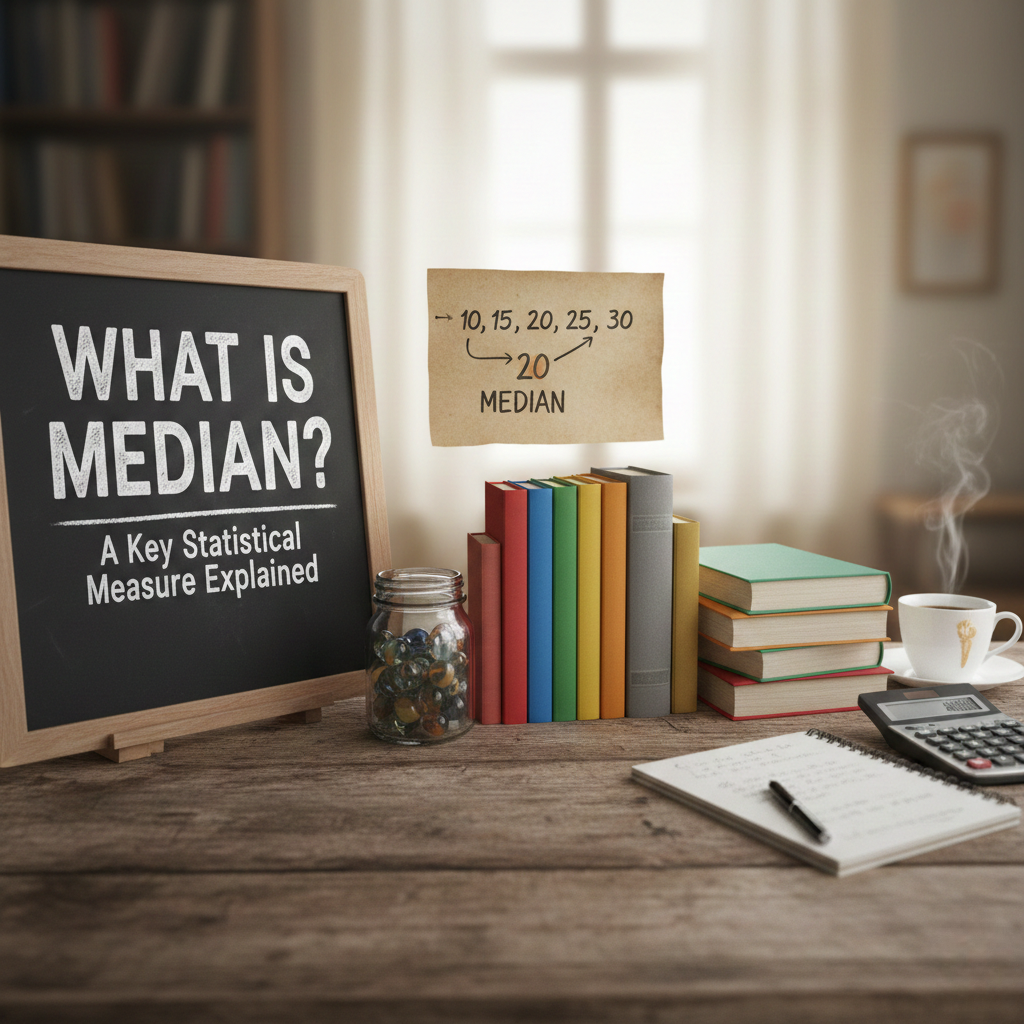
Introduction: The Power of the Median
Imagine you’re trying to understand the average score of a class on a test. You know that average can sometimes be misleading if a few students scored much higher or lower than the rest. This is where the median comes in, offering a more accurate representation of the “middle” of your data. But what exactly is median, and why should you care?
In this blog post, we’ll break down what median is and how to calculate it. Whether you’re a small business owner, a startup founder, or a content writer, understanding the median can help you make smarter decisions, from interpreting data to crafting meaningful reports.
So, let’s get started and uncover how this key statistical measure works!
What is the Median?
In simple terms, the median is the middle value in a list of numbers when the numbers are arranged in order. It divides the data into two equal parts: half the numbers are above the median, and half are below.
For example, consider the following test scores:
- 4, 7, 9, 11, 15
The median is 9, because it’s the middle number when all numbers are listed in order.
But what happens if the data set has an even number of values? In that case, the median is the average of the two middle numbers.
Let’s say you have the following test scores:
- 3, 8, 12, 16
The two middle numbers are 8 and 12. The median is the average of these two values:
(8 + 12) ÷ 2 = 10.
So, the median of this set is 10.
Why is the Median Important?
You might wonder why the median is so important. When you’re dealing with data that might have extreme values (outliers), the median gives you a better idea of the overall trend. Let’s compare it to the mean (average):
- Mean: Add up all the numbers and divide by the total count.
- Median: The middle number when arranged in order.
In many situations, especially when dealing with local press releases and media coverage, you might want to focus on the median because it gives you a clearer understanding of what’s typical, rather than being skewed by a few high or low numbers.
Median in Real-World Examples
Now let’s see how the median is used in real life. Here are a few practical examples:
1. In Business & Marketing
Let’s say you run a startup and you’re analyzing your monthly sales figures to see how your business is growing. If a few months saw exceptionally high sales, the mean might make the growth look more significant than it actually is. The median will show you the middle value of your sales and give a better understanding of your typical month-to-month performance.
2. In Social Media Marketing
When you’re tracking the success of a press release on social media, you might find some posts went viral with hundreds of shares, while others performed poorly. The median number of shares will give you a more accurate measure of your average post engagement, instead of being influenced by those outliers.
3. In Educational Statistics
A school might want to analyze its student performance. By looking at the median score instead of the mean, educators can get a clearer picture of where most students stand, without being skewed by a few exceptionally high or low scores.
How to Find the Median Easily
Finding the median is simple once you know how to organize your data. Here’s a step-by-step guide:
- List the numbers in order: Start by putting your data in ascending (or descending) order.
- Find the middle number:
- If the list has an odd number of values, the median is the middle number.
- If the list has an even number of values, the median is the average of the two middle numbers.
Let’s take an example with 7 numbers:
- 5, 8, 2, 10, 7, 9, 3
First, sort the numbers:
2, 3, 5, 7, 8, 9, 10
Since there are 7 numbers (odd), the median is the middle number, which is 7.
Now, for an even set:
- 4, 6, 10, 12
Sort the numbers:
4, 6, 10, 12
Since there are 4 numbers (even), the median is the average of 6 and 10:
(6 + 10) ÷ 2 = 8.
Median vs Mean: When to Use Each
Understanding the difference between median and mean is crucial, especially when working with data. Here’s a quick breakdown of when to use each:
- Median: Use the median when you have outliers or extreme values in your data set. It’s the best measure of central tendency when data is skewed.
- Mean: Use the mean when your data is relatively symmetrical, and you want an overall average.
For example, when you’re analyzing social media press releases, if you have a few posts that performed exceptionally well, the mean may suggest that all your posts did better than they actually did. The median, on the other hand, will tell you the true middle ground, ignoring those extreme outliers.
Media Advisory vs Press Release: Key Differences
When working with press releases and social media, it’s important to know the differences between related concepts like media advisory vs press release and press release vs media advisory.
- Press Release: A detailed announcement used to inform the media about an event, product, or service. It’s usually sent out to a broad audience and includes detailed information.
- Media Advisory: A shorter, more concise notification inviting the media to an event. It’s typically used for news conferences or events that journalists might want to attend.
Knowing when to send a media alert vs press release or when to issue a media pitch vs press release can help you target your messaging better and ensure the right people see your news.
How to Send a Press Release to Local Media
If you’re ready to get your news out to the world, knowing how to send a press release to local media is key. Here’s how you can do it:
- Build a Media List: Research local journalists or media outlets in your niche. This could be local newspapers, online publications, or blogs.
- Craft a Personalized Email: Address the journalist by name and briefly explain why your story matters to their audience. Include your press release as an attachment or in the body of the email.
- Follow Submission Guidelines: Each media outlet has its own submission guidelines, so be sure to follow them to increase your chances of getting published.
- Use a Distribution Service: If you want to broaden your reach, use press release distribution services to send your release to a wider audience.
Social Media Press Releases: Best Practices
When posting your press release on social media, here are some key tips:
- Create Engaging Content: Don’t just copy and paste your press release. Use engaging captions, hashtags, and images that resonate with your audience.
- Tailor Content to Each Platform: A post on Twitter should be short and to the point, while Instagram posts can include images and longer captions.
- Post Consistently: Don’t just post your press release once and forget about it. Share updates, teasers, and highlights to keep the conversation going.
FAQ
Q1: What’s the difference between media advisory and press release?
A1: A press release provides detailed information, while a media advisory is a shorter notification to invite the media to an event.
Q2: How do I send a press release to local media?
A2: Build a media list, craft a personalized email, and follow submission guidelines. You can also use press release distribution services.
Q3: Can I post a press release on social media?
A3: Yes! Use engaging content, tailor it to each platform, and share your press release as a social media post.
Conclusion: Understanding the Power of Median and Press Releases
By understanding what median is and how it works, you can make better decisions when analyzing data. Whether you’re interpreting business performance or crafting social media press releases, the median helps provide a clearer picture of what’s typical.
So, are you ready to put your newfound knowledge into practice? Start using the median in your data analysis and make smarter decisions today!
For more helpful resources, check out our other articles: